
Hire a Technician
Need immediate technical help? Provide your details below and our team will connect you with an available technician.
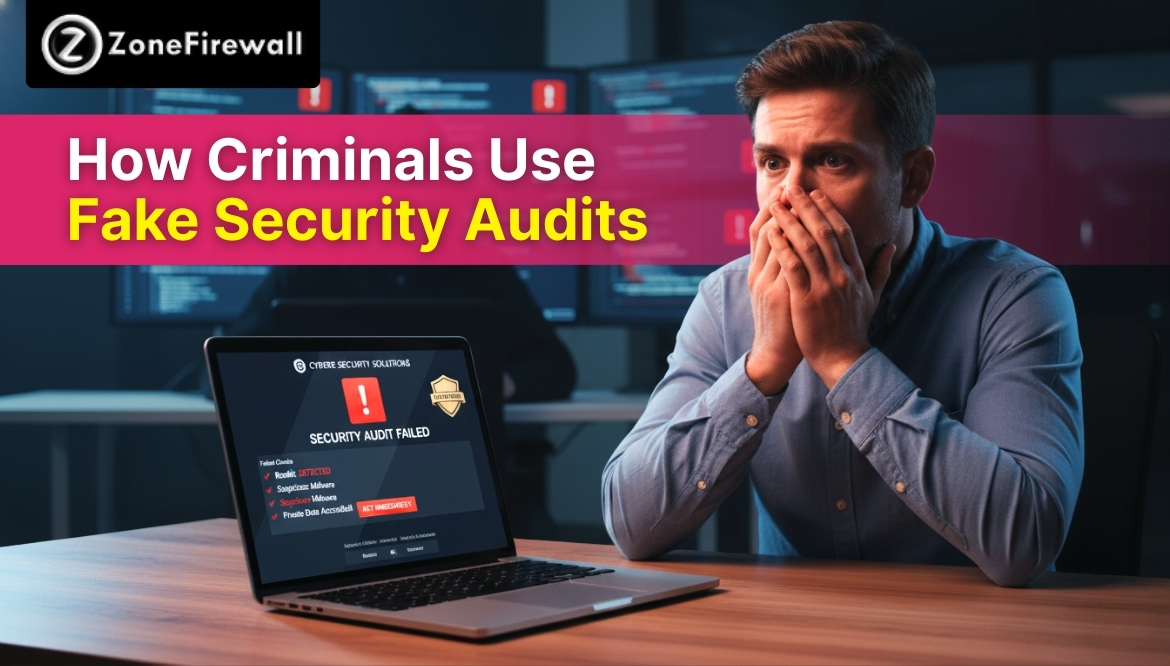
How Criminals Use Fake Security Audits
Security audits are meant to protect systems, data, and users from harm. Businesses and individuals trust audits because they promise safety, checks, and improvements. Criminals take advantage of this trust by creating fake security audits that look real and professional. These fake audits scare people, create confusion, and push them to take risky actions. Many victims believe they are fixing problems, but instead, they hand over access, money, or sensitive details. This blog explains how fake security audits work, why people fall for them, and how criminals use them to cause damage without raising suspicion.
What Fake Security Audits Really Are
Fake security audits are false checks created to look like real safety reviews. Criminals pretend to inspect systems, accounts, or networks, but their real goal is control.
They often contact users by email, phone, or pop-up messages. The audit claims there are serious problems that need quick action. These messages sound professional and urgent, which makes people trust them.
Unlike real audits, fake ones focus on fear instead of facts. They push action before giving clear proof.
Why Fake Security Audits Feel Trustworthy
Fake security audits work because they copy real processes closely. Criminals use official-looking words, reports, and warnings to appear genuine.
Many people do not fully understand how real audits work. This knowledge gap helps criminals stay convincing. When users see long reports or technical terms, they assume experts are involved. The promise of safety lowers doubt. People want problems fixed, not questioned.
Common Ways Criminals Introduce Fake Security Audits
Criminals use different methods to deliver fake audits. Each method targets trust in a different way.
Common delivery methods
- Emails claiming to be from security teams
- Phone calls posing as audit staff
- Website pop-ups warning about system risks
These methods often appear suddenly and demand quick attention.
Fake Audit Emails and Messages
Fake audit emails are designed to look professional and trustworthy. They often include logos, signatures, and links to reports, warning about supposed weaknesses found during an audit. The messages prompt users to click links, download files, or confirm account details. Once these actions are taken, criminals can gain access to systems or collect sensitive data. Because the emails appear official and urgent, many victims respond quickly without verifying their authenticity, which puts them at serious risk.
Fake Security Audits Over Phone Calls
Phone-based fake audits feel personal and very convincing. Criminals speak in a calm and confident way. They claim to work for audit teams or service providers. During the call, they explain fake problems in clear detail. This creates fear while building trust. Victims may feel pressured to install software, share their screen, or confirm private details. With every step, criminals gain more access and tighten their grip on the situation.
How Fake Security Audits Use Fear as a Tool
Fear drives fake security audits. Criminals know panic leads to mistakes. Fear tactics often include:
- Claims of data breaches
- Threats of account shutdown
- Warnings about legal trouble
These messages leave little time to think, pushing users toward quick action.
Fake Reports and Audit Documents
Fake security audits often include long, detailed reports that look professional and serious. They may contain charts, scores, or technical terms to appear authentic. Most users skim these documents and focus on the conclusion rather than reading carefully. Criminals take advantage of this, hiding false claims within complex-looking files. The purpose of the report is to convince users, not to provide real information, making it easier for criminals to manipulate victims into taking risky actions.
How Criminals Use Fake Audits to Gain Access
Fake audits often ask users to “fix” problems. This step creates access.
Common access requests
- Installing remote tools
- Sharing login details
- Granting system permissions
Once access is granted, criminals no longer need the audit story.
Fake Security Audits Targeting Businesses
Businesses face higher risks because audits are common in professional settings, so employees expect them. Criminals exploit this by sending fake audit notices to staff, managers, or owners, claiming policy checks or system reviews are needed. A single mistake by an employee, like sharing access or downloading a file, can expose sensitive company data, client information, or payment systems, creating serious consequences for the entire organization.
Why Small Teams Are Easy Targets
Small teams often do not have separate security staff to verify audit claims. Employees may assume the audit already has internal approval. Criminals depend on this belief and act quickly to avoid questions. When no clear checking steps exist, staff may click links, share access, or follow instructions without confirmation. This allows fake audits to pass through unnoticed and puts company systems, data, and accounts at risk.
How Fake Audits Affect Individuals
Individuals also face serious harm from fake audits. Scammers may claim a phone, laptop, or home system has serious security issues. Out of fear, victims may download harmful software or share private details. This can lead to account takeovers, stolen personal information, financial loss, or silent tracking. Many people do not realize the damage right away, which allows criminals to keep watching activity or misusing information for a long time.
Signs That a Security Audit May Be Fake
Some warning signs appear if users slow down and look closely.
Red flags to watch
- Urgent action requests
- Requests for payment
- No clear company verification
Real audits do not rush or demand secrecy.
Why Fake Security Audits Keep Working
Fake audits succeed because they tap into real worries about safety and errors. People fear missing problems or making costly mistakes. Criminals reuse the same scripts, emails, and reports again and again. New users face these tricks every day and often trust them at first glance. As long as people believe audits protect them, criminals keep using fake audits to misuse that trust and pressure victims into quick actions.
How Awareness Reduces Risk From Fake Audits
Awareness changes how users respond to potential threats. Instead of panicking, they take a moment to pause and think. Knowing that real audits follow clear, verified processes helps users question unusual requests. Checking contacts and asking for proof adds an extra layer of protection. While awareness cannot prevent every attempt, it significantly reduces the chances of falling victim to fake security audits.
Wrapping Up
Fake security audits misuse trust and fear to trick users into harmful actions. They look professional, sound serious, and push urgency. By knowing how these fake audits work, users and businesses can slow down, verify details, and avoid costly mistakes. Safety improves when trust is balanced with careful checking and calm thinking.
FAQs
1. What is a fake security audit?
A fake security audit is a false inspection created by criminals to scare users into sharing access, money, or personal details. It looks official, but it exists only to deceive and exploit trust.
2. How do criminals make fake audits look real?
They use professional language, official-looking documents, logos, and technical terms. Many people trust these signs without checking the source, which helps the scam succeed.
3. Are businesses more at risk than individuals?
Both are at risk, but businesses often face greater damage. One fake audit can expose company systems, client data, or payment details if employees act without verification.
4. Can fake security audits appear by phone?
Yes. Criminals often call and pretend to be audit staff. They describe fake problems and guide victims into sharing access or installing harmful tools.
5. How can you protect yourself from fake audits?
Users should avoid rushed actions, verify audit sources, refuse access requests, and confirm details directly with trusted contacts before responding to any audit message.
Share
Tweet
Pin it
Announcement from ZoneFirewall LLC

Dear Valued Clients,
We’re excited to announce an important update to the way we offer our services at ZoneFirewall LLC. Starting October 1, 2025, we will be transitioning from custom pricing to two fixed service plans—designed to simplify your experience and bring more clarity to our pricing structure.
What’s New?
Advance Assistance — £249.99
Perfect for quick, on-demand support, this plan includes:
What You Will Get
- Help Desk Access (7 days / week)
- System Backup and Restore and Troubleshoots
- Printer Support and Troubleshooting Services
- Regular OS/ Application Update
- System Disk - Clean up & Tune Up
- Removal of Unwanted Apps & Files
- Application / Software Installation and Support
- Customised search queries for products
- Access to DIY Technical Content
- Incidental support for queries
- Virus & Malware Removal
- New Device Setup & Support (Phone/Tablet/SmartTV)
- Email setup & backup on local device
- Monthly Device Maintenance & Check-Up
Essential One Time Assistance — £99.99
Perfect for quick, on-demand support, this plan includes:
What You Will Get
- On Call Technical Assistance
- System Backup and Restore Services
- Printer and Wi-Fi Setup and Troubleshoot
- Operating System Troubleshooting & Support
- System Disk - Clean up & Tune Up
- Removal of Unwanted Apps & Files
- Application / Software Installation and Troubleshoot
- New Device Setup (Phone/Tablet/SmartTV)
- Email setup & backup on local device
- Incidental support for queries
Why the Change?
This shift is designed to:
- Increase pricing transparency
- Make service selection easier
- Eliminate surprises and hidden fees
- Maintain the high-quality support you expect
For Existing Clients
If you’re currently on a custom plan, you’ll continue under the existing terms until your agreement ends. After that, you can choose the plan that best suits your needs.
Need Help Choosing a Plan?
We’re here to help! Reach out by phone at +44-800-048-5987 or email us at billing@zonefirewall.co.uk with any questions.
Thank you for your continued trust in ZoneFirewall LLC. We look forward to supporting you with these new, streamlined service options.
Sincerely,
The ZoneFirewall LLC Team
zonefirewall.co.uk
+44-800-048-5987
billing@zonefirewall.co.uk