
Hire a Technician
Need immediate technical help? Provide your details below and our team will connect you with an available technician.
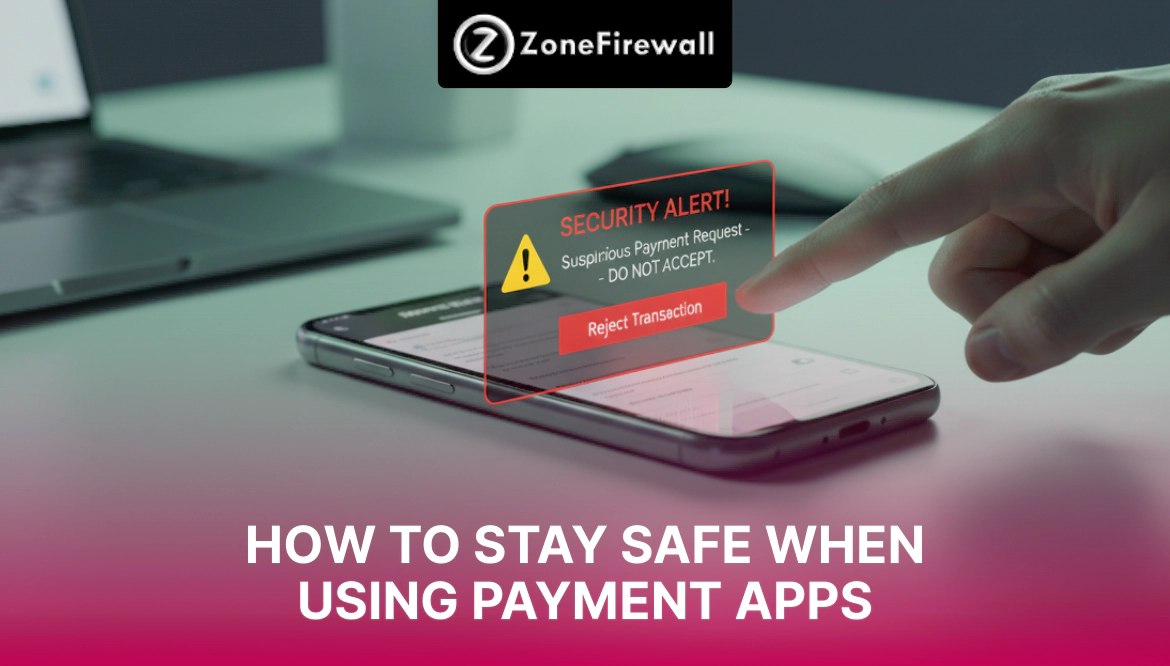
How to Stay Safe When Using Payment Apps
Payment apps have changed how people send and receive money. You can pay bills, shop online, split expenses, and send money to friends within seconds. These apps save time and reduce the need to carry cash.
But convenience also attracts fraud. Criminals target payment app users through fake calls, messages, links, and social tricks. One careless step can lead to money loss or account misuse.
The good news is that you can stay safe by following simple habits. This guide explains how to stay safe when using payment apps without confusion or stress.
Why Payment App Safety Matters
Payment apps store sensitive information such as:
- Bank account details
- Card numbers
- Transaction history
- Personal contact details
If someone gains access, they may send money, request refunds, or misuse your data. Staying alert protects both your money and peace of mind.
Lock Your Payment App Properly
Your first safety layer is app access control.
Use App Lock Features
Always turn on:
- PIN lock
- Pattern lock
- Fingerprint lock
- Face unlock
This stops others from opening your app if your phone gets lost or shared.
Set Auto Lock
Enable auto lock so the app closes after a short period of inactivity. This reduces the risk if you forget to close it.
Keep Your Phone Secure
Payment app safety depends on phone safety.
Basic Phone Safety Habits
- Set a strong screen lock
- Enable auto lock timing
- Avoid sharing your phone unlocked
- Keep your phone with you
If someone controls your phone, they control your payment apps.
Never Share PIN, OTP, or Codes
Most payment app fraud happens due to the sharing of information.
Never Share These Details
- App PIN
- Bank PIN
- OTP
- Verification codes
- Card CVV
No payment app team or bank staff asks for these details.
Watch Out for Fake Calls
Criminals often pretend to be:
- Customer support
- Bank staff
- App verification teams
End such calls immediately.
Be Careful With Payment Requests
Not all payment requests are genuine.
Common Fraud Tricks
- Fake refund messages
- Requests marked as rewards
- Requests disguised as payments
- Requests from unknown contacts
Safe Practice
- Read request details carefully
- Check the sender's name and number
- Reject unknown requests
- Never approve a request unless you expect it
Remember, money requests need your approval to send funds.
Avoid Clicking Unknown Links
Many payment app scams begin with links.
Dangerous Links May Arrive Through
- SMS
- Social media messages
- Chat apps
These links may lead to fake pages that steal login details.
What You Should Do
- Do not click on unknown links
- Open the app directly instead
- Delete suspicious messages
Payment apps never send links asking for login or refunds.
Use Trusted Internet Connections Only
Network safety matters during payments.
Avoid Using Payment Apps On
- Public Wi-Fi
- Free hotspots
- Shared networks
Use mobile data or a trusted private connection instead.
Turn On Alerts and Notifications
Alerts help you stay aware of activity.
Enable Alerts For
- Payments sent
- Payments received
- Login attempts
- Profile changes
If something happens without your knowledge, alerts help you react fast.
Keep Your App and Phone Updated
Updates fix known issues and improve safety.
Why Updates Matter
- Close security gaps
- Improve fraud detection
- Add safety features
Turn on automatic updates if possible.
Check Transaction History Regularly
Frequent checks help you spot issues early.
Look For
- Unknown transactions
- Small test payments
- Duplicate charges
Report anything unusual immediately through the official app support.
Limit Information Shared on Your Profile
Some users add too much information.
Avoid Displaying
- Full name publicly
- Email address
- Alternate phone number
Less visible data reduces misuse risk.
Download Apps From Trusted Sources Only
Fake apps look real but steal data.
Safe Download Rules
- Use official app stores only
- Avoid shared APK files
- Check app reviews
- Verify the developer name
Delete apps you no longer use.
What to Do If You Face Payment App Fraud
Quick action reduces loss.
Immediate Steps
- Block the app
- Change app PIN
- Inform bank
- Contact app support
- Monitor account activity
If money is lost, report it without delay.
Smart Daily Habits That Keep You Safe
Small habits build strong safety.
- Log out when needed
- Avoid screen sharing during payments
- Do not rush transactions
- Double-check receiver details
- Keep emergency contact numbers saved
Staying calm prevents mistakes.
Conclusion
Payment apps are safe when used with care. Lock your app, protect your phone, avoid sharing details, ignore unknown links, and watch your transactions. Staying alert and building safe habits keeps your money secure and your payment app stress-free every day.
Share
Tweet
Pin it
Announcement from ZoneFirewall LLC

Dear Valued Clients,
We’re excited to announce an important update to the way we offer our services at ZoneFirewall LLC. Starting October 1, 2025, we will be transitioning from custom pricing to two fixed service plans—designed to simplify your experience and bring more clarity to our pricing structure.
What’s New?
Advance Assistance — £249.99
Perfect for quick, on-demand support, this plan includes:
What You Will Get
- Help Desk Access (7 days / week)
- System Backup and Restore and Troubleshoots
- Printer Support and Troubleshooting Services
- Regular OS/ Application Update
- System Disk - Clean up & Tune Up
- Removal of Unwanted Apps & Files
- Application / Software Installation and Support
- Customised search queries for products
- Access to DIY Technical Content
- Incidental support for queries
- Virus & Malware Removal
- New Device Setup & Support (Phone/Tablet/SmartTV)
- Email setup & backup on local device
- Monthly Device Maintenance & Check-Up
Essential One Time Assistance — £99.99
Perfect for quick, on-demand support, this plan includes:
What You Will Get
- On Call Technical Assistance
- System Backup and Restore Services
- Printer and Wi-Fi Setup and Troubleshoot
- Operating System Troubleshooting & Support
- System Disk - Clean up & Tune Up
- Removal of Unwanted Apps & Files
- Application / Software Installation and Troubleshoot
- New Device Setup (Phone/Tablet/SmartTV)
- Email setup & backup on local device
- Incidental support for queries
Why the Change?
This shift is designed to:
- Increase pricing transparency
- Make service selection easier
- Eliminate surprises and hidden fees
- Maintain the high-quality support you expect
For Existing Clients
If you’re currently on a custom plan, you’ll continue under the existing terms until your agreement ends. After that, you can choose the plan that best suits your needs.
Need Help Choosing a Plan?
We’re here to help! Reach out by phone at +44-800-048-5987 or email us at billing@zonefirewall.co.uk with any questions.
Thank you for your continued trust in ZoneFirewall LLC. We look forward to supporting you with these new, streamlined service options.
Sincerely,
The ZoneFirewall LLC Team
zonefirewall.co.uk
+44-800-048-5987
billing@zonefirewall.co.uk